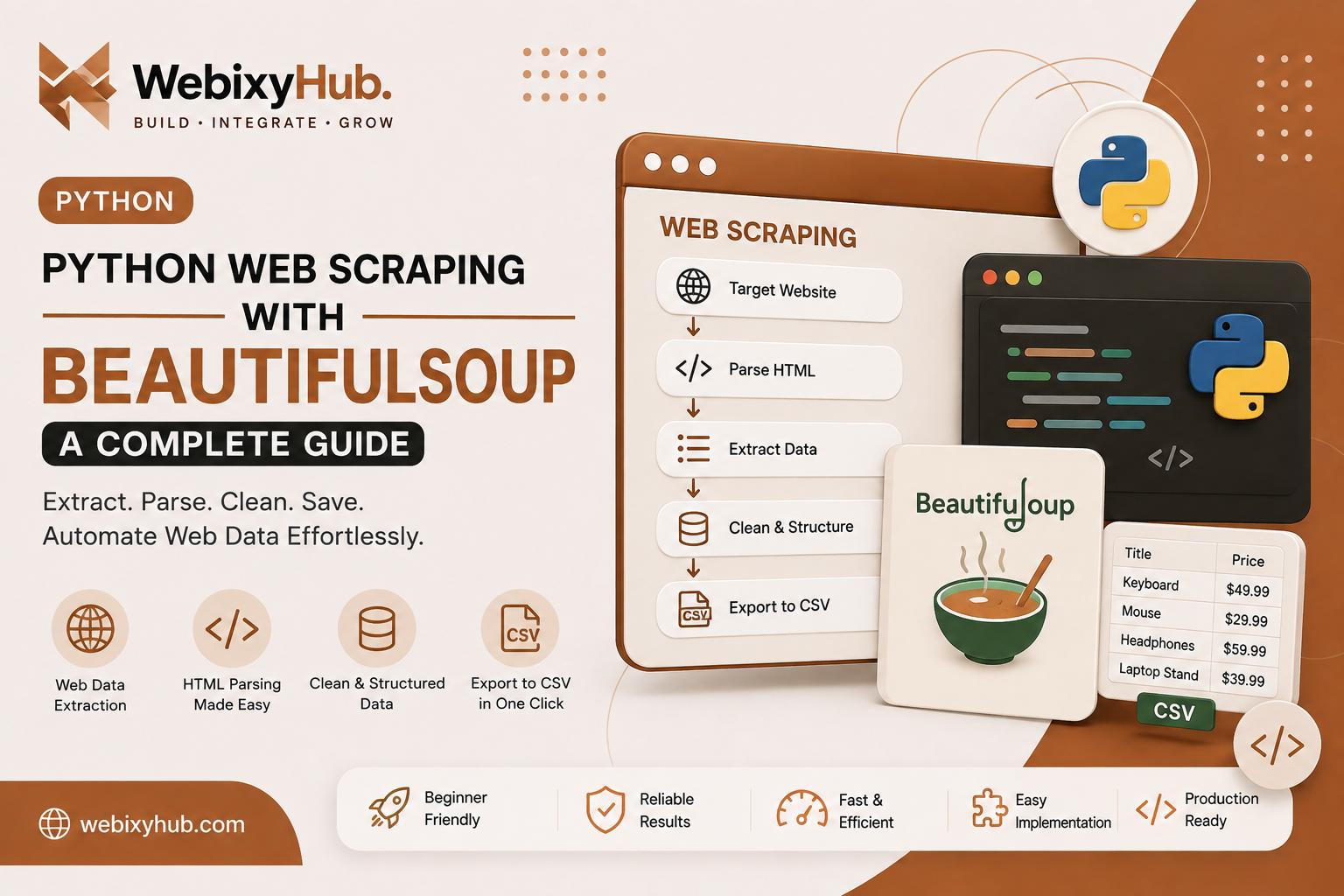
Websites contain enormous amounts of useful public information, but manually copying data from hundreds of pages is slow and repetitive.
With Python web scraping with BeautifulSoup, you can automate much of this process. Python can request a webpage, read its HTML, locate the information you need, clean the extracted values, and save the final data into a structured file such as CSV.
In this BeautifulSoup tutorial, we'll build a practical Python web scraper from scratch.
You'll learn how to:
- download HTML with Python Requests;
- parse HTML using BeautifulSoup;
- extract headings, links, prices, and other elements;
- scrape multiple elements;
- handle pagination conceptually;
- save scraped data to CSV;
- and troubleshoot common web scraping errors.
By the end, you'll understand the complete workflow behind web scraping with Python and BeautifulSoup.
Only scrape information you are permitted to access. Respect website terms, access restrictions, privacy requirements, and reasonable request rates. Don't use scraping to bypass authentication, CAPTCHAs, paywalls, or other access controls.
What Is BeautifulSoup?
BeautifulSoup is a Python library designed for parsing HTML and XML documents.
Imagine a webpage containing:
<div class="product"> <h2>Wireless Keyboard</h2> <span class="price">$49.99</span></div>Instead of manually processing this HTML as text, BeautifulSoup converts the document into a structure that your Python application can search.
For example:
product = soup.find("div", class_="product")You can then extract its heading:
title = product.find("h2").get_text(strip=True)This makes HTML parsing with Python much easier than manually manipulating raw HTML strings.
BeautifulSoup vs Selenium: Which Should You Use?
Both tools can be used for web data extraction, but they solve different problems.
BeautifulSoup itself does not operate a browser or execute JavaScript. It parses the HTML you give it.
A typical BeautifulSoup scraper looks like:
Python ↓HTTP Request ↓HTML Response ↓BeautifulSoup ↓Extract DataSelenium instead controls a browser:
Python ↓Browser ↓JavaScript Rendering ↓DOM ↓Extract DataIf the information is already present in the server-returned HTML, Python Requests + BeautifulSoup is usually a simpler and lighter solution.
If content only appears after JavaScript executes, scrolling occurs, or a user clicks a button, browser automation such as Selenium may be more appropriate.
Step 1: Create a Python Web Scraping Project
Create a folder:
beautifulsoup-scraperOpen PowerShell inside it and create a virtual environment:
python -m venv venvActivate it:
.\venv\Scripts\Activate.ps1Now install Requests and BeautifulSoup:
pip install requests beautifulsoup4Create:
scraper.pyYour project should look like:
beautifulsoup-scraper/│├── venv/└── scraper.pyStep 2: Download a Webpage with Python Requests
BeautifulSoup parses HTML, but first we need to obtain that HTML.
Import Requests:
import requestsurl = "https://example.com"response = requests.get(url, timeout=10)print(response.status_code)A successful response commonly returns:
200Now inspect part of the HTML:
print(response.text[:500])This is the first stage of our Python web scraper.
Step 3: Check HTTP Errors Properly
Don't assume every request succeeds.
Use:
response.raise_for_status()A better version is:
import requestsurl = "https://example.com"response = requests.get(url, timeout=10)response.raise_for_status()html = response.textIf the server returns an unsuccessful HTTP response, Requests can raise an exception rather than allowing the scraper to continue with an unexpected response.
Step 4: Parse HTML with BeautifulSoup
Import BeautifulSoup:
from bs4 import BeautifulSoupThen:
soup = BeautifulSoup(response.text, "html.parser")Complete example:
import requestsfrom bs4 import BeautifulSoupurl = "https://example.com"response = requests.get(url, timeout=10)response.raise_for_status()soup = BeautifulSoup( response.text, "html.parser")print(soup.title)We now have a working foundation for BeautifulSoup web scraping.
Step 5: Extract the Page Title
You can get the title with:
title = soup.title.get_text(strip=True)print(title)For a page such as:
<title>Example Store</title>the result is:
Example StoreStep 6: Find HTML Elements
BeautifulSoup provides multiple ways to locate elements.
Suppose we have:
<h1 class="page-title">Latest Products</h1>We can use:
heading = soup.find( "h1", class_="page-title")print(heading.get_text(strip=True))Result:
Latest ProductsThis basic pattern is at the heart of scraping website data with Python:
Find Element ↓Read Value ↓Clean Value ↓Store ValueStep 7: Scrape Multiple Products
Now imagine a page containing:
<div class="product"> <h2 class="title">Keyboard</h2> <span class="price">$49.99</span></div><div class="product"> <h2 class="title">Mouse</h2> <span class="price">$29.99</span></div>Instead of find(), use find_all():
products = soup.find_all( "div", class_="product")Then loop through them:
for product in products: title = product.find( "h2", class_="title" ).get_text(strip=True) price = product.find( "span", class_="price" ).get_text(strip=True) print(title, price)Possible output:
Keyboard $49.99Mouse $29.99Your Python web scraping with BeautifulSoup workflow is now extracting multiple records from a page.
Step 8: Use CSS Selectors with BeautifulSoup
You can also use CSS selectors.
For one element:
product = soup.select_one(".product")For multiple elements:
products = soup.select(".product")Nested elements can be selected like this:
title = product.select_one(".title")price = product.select_one(".price")Then:
title_text = title.get_text(strip=True)price_text = price.get_text(strip=True)CSS selectors can be particularly convenient when the page structure is already easy to describe using CSS-style selectors.
Step 9: Extract Links from a Website
Suppose your HTML contains:
<a href="/products/keyboard"> Wireless Keyboard</a>Find links:
links = soup.find_all("a")Then:
for link in links: text = link.get_text(strip=True) href = link.get("href") print(text, href)A scraper can therefore extract both visible text and HTML attributes.
Step 10: Convert Relative URLs into Full URLs
A website may return:
/products/keyboardinstead of:
https://example.com/products/keyboardUse urljoin:
from urllib.parse import urljoinbase_url = "https://example.com"full_url = urljoin( base_url, "/products/keyboard")print(full_url)Result:
https://example.com/products/keyboardThis is useful when your web data extraction process needs to follow links across multiple pages.
Step 11: Store Extracted Data in Python
Instead of printing each item, create structured records:
scraped_data = []for product in products: title_element = product.select_one(".title") price_element = product.select_one(".price") if not title_element or not price_element: continue scraped_data.append({ "title": title_element.get_text(strip=True), "price": price_element.get_text(strip=True) })The result might look like:
[ { "title": "Keyboard", "price": "$49.99" }, { "title": "Mouse", "price": "$29.99" }]Separating extraction from storage makes your scraper easier to maintain.
Step 12: Save Scraped Data to CSV
A common search and development requirement is to save scraped data to CSV.
Python already includes the csv module:
import csvThen:
with open( "products.csv", "w", newline="", encoding="utf-8") as file: writer = csv.DictWriter( file, fieldnames=["title", "price"] ) writer.writeheader() writer.writerows(scraped_data)Your project now becomes:
beautifulsoup-scraper/│├── scraper.py└── products.csvExample CSV:
title,priceKeyboard,$49.99Mouse,$29.99Laptop Stand,$39.99Now the workflow is complete:
Website ↓Requests ↓HTML ↓BeautifulSoup ↓Extract ↓Clean ↓CSVStep 13: Build a Complete Python BeautifulSoup Scraper
Here is a compact implementation:
import csvimport requestsfrom bs4 import BeautifulSoupURL = "https://example.com"def scrape_products(): response = requests.get( URL, timeout=10 ) response.raise_for_status() soup = BeautifulSoup( response.text, "html.parser" ) products = [] for product in soup.select(".product"): title = product.select_one(".title") price = product.select_one(".price") if not title or not price: continue products.append({ "title": title.get_text(strip=True), "price": price.get_text(strip=True) }) return productsdef save_to_csv(products): with open( "products.csv", "w", newline="", encoding="utf-8" ) as file: writer = csv.DictWriter( file, fieldnames=["title", "price"] ) writer.writeheader() writer.writerows(products)products = scrape_products()save_to_csv(products)print( f"Successfully extracted {len(products)} products.")This gives you a clean foundation for a reusable Python web scraper.
Step 14: Add Basic Error Handling
Network requests can fail.
Use Requests exceptions:
import requeststry: response = requests.get( "https://example.com", timeout=10 ) response.raise_for_status()except requests.RequestException as error: print( f"Request failed: {error}" )For a larger scraper, logging the error is usually preferable to silently ignoring it.
Common BeautifulSoup Web Scraping Errors
A useful Python scraping tutorial should also explain what happens when things go wrong.
Error 1: ModuleNotFoundError: No module named 'bs4'
You may get:
ModuleNotFoundError: No module named 'bs4'Install BeautifulSoup:
pip install beautifulsoup4If you're using a virtual environment, make sure it is activated before installing the package.
Error 2: ModuleNotFoundError: No module named 'requests'
Install Requests:
pip install requestsThen verify:
pip show requestsError 3: AttributeError: 'NoneType' object has no attribute 'get_text'
Suppose you write:
price = product.select_one(".price").get_text(strip=True)If .price doesn't exist, select_one() returns None.
Then calling:
.get_text()fails.
Use:
price_element = product.select_one(".price")if price_element: price = price_element.get_text( strip=True )else: price = "N/A"This makes your BeautifulSoup scraper more resilient to missing elements.
Error 4: HTTP 403 Forbidden
You may receive:
403 Client Error: ForbiddenThis means the server refused the request.
Don't treat a 403 as an invitation to bypass the site's protection. First check whether automated access is permitted and whether the site offers an API or another supported way to access the information.
Error 5: Scraper Returns an Empty List
You run:
products = soup.select(".product")print(products)and get:
[]There are two common explanations.
First, your CSS selector may simply be wrong.
Inspect the HTML and verify the actual class or structure.
Second, the content may be generated by JavaScript.
Requests downloads the HTTP response, but it doesn't run a browser's JavaScript environment.
If the information doesn't exist in:
response.textBeautifulSoup cannot magically generate it.
That's a strong sign that you need to investigate how the page loads the data and, where appropriate, use browser automation such as Selenium or an official data endpoint.
Error 6: Request Timeout
You might encounter a timeout.
Always define one:
response = requests.get( url, timeout=10)Then handle the exception:
try: response = requests.get( url, timeout=10 )except requests.Timeout: print("The request timed out.")A scraper should not be able to wait indefinitely for one page.
How to Scrape Multiple Pages with BeautifulSoup
Suppose pages follow this pattern:
https://example.com/products?page=1https://example.com/products?page=2https://example.com/products?page=3You can loop:
for page in range(1, 6): url = ( f"https://example.com/" f"products?page={page}" ) response = requests.get( url, timeout=10 ) response.raise_for_status() soup = BeautifulSoup( response.text, "html.parser" ) products = soup.select(".product") for product in products: print(product.get_text(strip=True))For production use, add appropriate request pacing, stopping conditions, error handling, duplicate detection, and persistence.
How to Avoid Duplicate Scraped Data
When scraping multiple pages, the same item can occasionally appear more than once.
If every product has a unique URL, keep track of URLs you've already processed:
seen_urls = set()if product_url in seen_urls: continueseen_urls.add(product_url)Then save only new records.
This is a small improvement that can significantly improve the quality of a website data extraction pipeline.
Organizing a Larger Python Web Scraping Project
Once a scraper grows, avoid putting everything inside one file.
For example:
web-scraper/│├── scraper.py├── parser.py├── exporter.py├── config.py│├── output/│ └── products.csv│└── requirements.txtResponsibilities can be separated:
scraper.py → Request pagesparser.py → Parse HTMLexporter.py → Save dataconfig.py → ConfigurationThis architecture makes Python web scraping easier to debug and extend.
BeautifulSoup Web Scraping Best Practices
A reliable scraper should do more than successfully extract one page.
Use timeouts, check HTTP errors, handle missing elements, use stable selectors, avoid unnecessary requests, validate extracted data, deduplicate records, and save progress during large jobs.
Also keep your request rate reasonable. A script can generate requests much faster than a human visitor, and aggressive scraping can unnecessarily burden a website.
Where a website provides an official API that meets your requirements, using that API may be more reliable than parsing page HTML.
Python Requests + BeautifulSoup vs Selenium
Here's a simple rule.
Use Python Requests BeautifulSoup when:
Data exists in HTML ↓Use Requests ↓Parse with BeautifulSoupUse browser automation when:
Data requires JavaScript ↓Browser renders page ↓Wait / interact ↓Extract dataBeautifulSoup is excellent for HTML parsing, while Selenium is useful when actual browser behavior is required.
Knowing which approach to choose is one of the most important skills in practical web scraping with Python.
Frequently Asked Questions
Is BeautifulSoup good for web scraping?
Yes. BeautifulSoup is particularly useful for parsing HTML and extracting structured information when the required content is present in the HTML document supplied to it.
Can BeautifulSoup scrape JavaScript websites?
BeautifulSoup itself does not execute JavaScript. If a page's required information is generated only after JavaScript runs, the HTML returned by a simple Requests call may not contain it.
Is BeautifulSoup better than Selenium?
Neither is universally better. BeautifulSoup is lightweight for HTML parsing, while Selenium controls a browser and is useful when browser interaction or JavaScript rendering is necessary.
How do I scrape website data with Python?
A common workflow is:
Request Page ↓Parse HTML ↓Find Elements ↓Extract Values ↓Clean Data ↓Save ResultsRequests and BeautifulSoup provide a straightforward implementation of this workflow for HTML-based pages.
Can Python save scraped data into CSV?
Yes. Python's built-in csv module can write extracted records directly into .csv files.
Why is BeautifulSoup returning None?
Usually the requested element wasn't found. Check your selector and confirm that the required element actually exists in the HTML response.
Conclusion
Python web scraping with BeautifulSoup is one of the most approachable ways to learn automated web data extraction.
Using Python Requests and BeautifulSoup, you can download permitted webpages, perform HTML parsing with Python, extract structured values, clean the information, and save scraped data to CSV.
The most important lesson is not just how to call soup.find().
A maintainable scraper follows a complete pipeline:
REQUEST ↓VALIDATE ↓PARSE ↓EXTRACT ↓CLEAN ↓VALIDATE DATA ↓SAVEOnce you understand that architecture, you can build more reliable Python automation workflows and know when a lightweight BeautifulSoup scraper is enough—and when a dynamic website genuinely requires browser automation.