Artificial intelligence is increasingly becoming part of normal web application development rather than a completely separate technology stack. Applications now use AI for content generation, document analysis, customer support, data extraction, workflow automation, recommendations, and intelligent search.
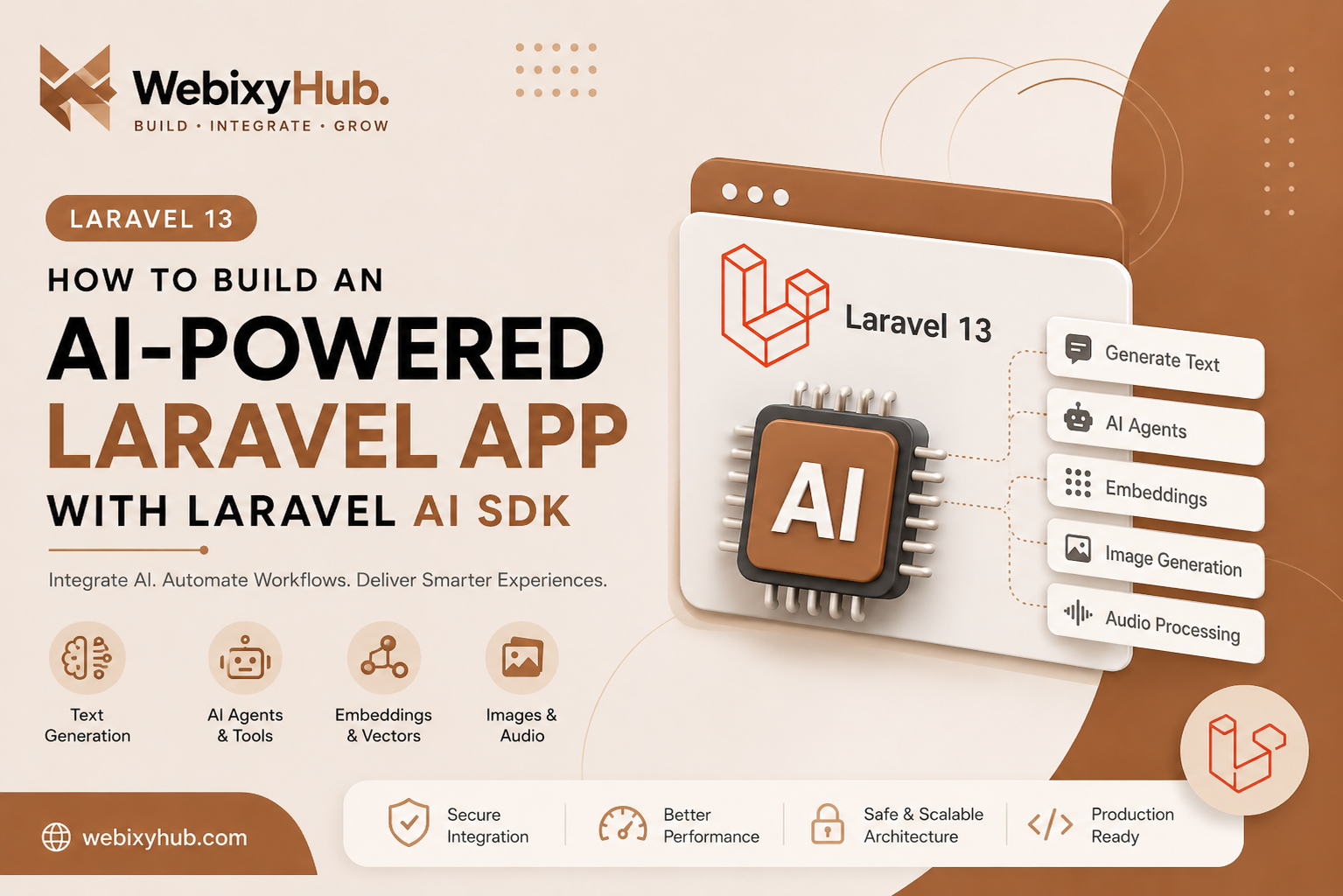
Laravel 13 makes this workflow particularly interesting for PHP developers because it introduces a first-party Laravel AI SDK. The SDK provides a unified Laravel-oriented interface for capabilities such as text generation, tool-calling agents, embeddings, audio, images, and vector-based workflows.
Instead of spreading AI logic throughout controllers or building custom HTTP wrappers for every provider, a Laravel application can keep AI functionality inside a cleaner application architecture.
In this guide, we'll look at how an AI feature should be structured inside a Laravel application, how configuration should be handled, and—most importantly—the errors developers commonly encounter when moving an AI integration from development to production.
Why Use Laravel's AI SDK?
A basic AI integration can be created by sending HTTP requests directly to an AI provider.
That works, but larger applications quickly need more structure.
For example, an application may eventually need:
- text generation
- structured responses
- AI agents
- embeddings
- vector search
- image or audio processing
- multiple AI providers
- queues
- retries
- logging
- usage limits
Laravel's first-party SDK is intended to provide a common interface around these kinds of AI capabilities.
That means your business logic does not need to become tightly coupled to raw provider requests.
Before You Start
Make sure your development environment has a current Laravel application and the PHP version required by your Laravel version.
For Laravel 13 specifically, check the official installation and upgrade documentation before upgrading an existing production project because framework upgrades can involve application-specific changes.
You should also have credentials for the AI provider you intend to use.
Never hard-code those credentials inside controllers, Blade templates, JavaScript, or committed configuration files.
Use environment variables instead.
For example:
AI_API_KEY=your-secret-api-keyThen reference environment configuration through Laravel's configuration layer.
Keep AI Logic Out of Controllers
One of the easiest mistakes to make is putting the complete AI request directly inside a controller.
For a tiny experiment this may work, but it becomes difficult to maintain once the feature grows.
A better structure is:
Controller ↓AI Service ↓Laravel AI SDK ↓Configured AI ProviderFor example, your project could contain:
app/├── Http/│ └── Controllers/│ └── AiController.php│└── Services/ └── AI/ └── ContentGenerator.phpThe controller should deal primarily with the HTTP request and response.
The service should contain the AI-related application logic.
Example AI Service Structure
A simplified service might look conceptually like this:
<?phpnamespace App\Services\AI;class ContentGenerator{ public function generate(string $topic): string { // Send the request through the configured // Laravel AI integration here. // Validate/normalize the provider response. // Return only the data required by the application. }}The important point isn't the number of lines in the class.
It is the separation of responsibilities.
Your application should be able to change the AI implementation without rewriting every controller that uses it.
Validate User Input Before Sending It to AI
Suppose users can submit a topic:
$request->validate([ 'topic' => [ 'required', 'string', 'max:500', ],]);Never assume that because an AI model processes the value, traditional server-side validation is no longer necessary.
AI integration should be treated as an additional backend dependency—not as a replacement for application validation.
Add Proper Exception Handling
External AI requests can fail.
Your application should expect that.
A simplified pattern might look like:
try {
    $result = $contentGenerator->generate(
        $request->string('topic')->toString()
    );

    return response()->json([
        'success' => true,
        'data' => $result,
    ]);
} catch (\Throwable $exception) {
    report($exception);

    return response()->json([
        'success' => false,
        'message' => 'Unable to generate the response right now.',
    ], 500);
}
Avoid returning the raw exception to users in production.
Detailed information should go into your application logs.
Common Laravel AI SDK Errors and How to Fix Them
The interesting part begins when an integration works once locally but fails under different configurations or production conditions.
Here are the problems you should plan for.
1. Missing API Key
You may encounter an authentication/configuration error because the application cannot access the provider credential.
First check your environment configuration:
AI_API_KEY=your-keyThen check whether Laravel is using cached configuration.
After changing production environment values, you may need:
php artisan optimize:clearNever print the complete API key while debugging.
2. Invalid API Key / Authentication Failure
A credential can exist while still being invalid.
Possible causes include:
- incorrect key
- revoked key
- wrong provider configuration
- expired credentials
- project/account restrictions
Do not repeatedly regenerate application code when the actual problem is authentication.
Verify the provider configuration first.
3. Configuration Works Locally but Not in Production
This is a classic Laravel deployment problem.
Your local .env and production .env are separate.
Therefore:
Local works
≠
Production configuration is correct
Check production environment variables and clear stale Laravel caches after configuration changes.
4. Rate Limit Errors
AI APIs normally impose usage limits.
A production application should therefore be prepared for rate limiting instead of assuming every request will succeed.
For user-triggered endpoints, Laravel throttling can also protect your application:
Route::middleware('throttle:20,1')->group(function () {
    // AI routes
});
The exact limit should be based on your application, users, provider limits, and cost model.
5. Request Timeout
AI generation can take longer than a normal database query.
Long-running generation should not unnecessarily block normal application requests.
For heavier operations, consider:
User Request
     ↓
Controller
     ↓
Queue Job
     ↓
AI Provider
     ↓
Store Result
     ↓
Frontend retrieves result
Laravel already provides queues and scheduled jobs as core framework capabilities.
6. Invalid or Unexpected AI Response
Do not assume a model will always return exactly the format your application expects.
This is especially dangerous when the application expects structured data.
For example, don't immediately assume this is safe:
$data = json_decode($response, true);Validate the result:
$data = json_decode($response, true);

if (json_last_error() !== JSON_ERROR_NONE) {
    throw new RuntimeException('Invalid AI response format.');
}
Then validate required fields before using them.
7. Empty AI Response
A provider request may technically succeed while producing no useful content.
Your application should explicitly check this condition:
if (blank($result)) {
    throw new RuntimeException(
        'AI provider returned an empty response.'
    );
}
That gives you predictable application behavior instead of silently rendering an empty UI.
8. Queue Job Fails
If AI generation runs asynchronously, the request may work manually while the queued job fails.
Check:
php artisan queue:workAnd inspect failed jobs:
php artisan queue:failedTypical causes include environment differences, worker configuration, timeouts, provider failures, and stale workers after deployment.
9. Class Not Found After Installation
If a package or class was recently installed but Laravel cannot find it, refresh Composer autoloading:
composer dump-autoloadYou can also clear Laravel caches:
php artisan optimize:clearBefore changing namespaces randomly, verify the installed package version and its documentation.
10. Works in Tinker but Fails From the Browser
This usually suggests the AI provider itself may not be the problem.
Check the web request layer:
- route
- controller
- validation
- authentication
- CSRF
- middleware
- frontend JavaScript
- request payload
- exception logs
Use:
php artisan route:listto confirm that the expected endpoint exists.
11. CORS Errors
If a separate frontend application calls your Laravel API, the browser may reject the request because of CORS configuration.
A typical browser error looks similar to:
Blocked by CORS policyDo not disable browser security or use * everywhere as a production fix.
Configure only the frontend origins and methods that your application actually requires.
12. 419 Page Expired
Laravel developers commonly see:
419 Page Expiredwhen a state-changing web request does not contain the expected CSRF token.
For a Blade form, include:
<form method="POST">
    @csrf

    <!-- fields -->
</form>
For JavaScript requests, make sure the application's CSRF/session approach matches the type of route you're calling.
13. 422 Unprocessable Entity
A 422 response usually means your request reached Laravel but validation failed.
For example:
$request->validate([ 'prompt' => 'required|string|max:2000',]);Inspect the validation response rather than treating every failed AI request as an AI provider problem.
14. 500 Internal Server Error
A 500 response is only the visible symptom.
Check:
storage/logs/laravel.logDuring local development you can use appropriate debugging configuration, but detailed exceptions and secrets should not be exposed publicly in production.
Security: AI Agents Need More Than Normal API Protection
This becomes particularly important once your application moves beyond simple text generation.
An AI agent may have access to tools, application data, APIs, memory, files, or external services. OWASP's current AI-agent security guidance highlights risks beyond ordinary prompt injection because agents can reason, use tools, maintain memory and take actions.
That means this is dangerous:
User → AI → unrestricted application toolsA safer design is:
User ↓Validation ↓Authorization ↓AI Agent ↓Restricted Tool Layer ↓Application ServicesThe AI should never automatically inherit every permission your backend possesses.
For sensitive actions, authorization should still be enforced by your application.
Never Put Secrets Inside Prompts
Avoid sending unnecessary:
- passwords
- API keys
- access tokens
- private customer records
- database credentials
- internal secrets
to an AI model.
Treat prompts and tool inputs as data that require their own security boundaries.
Protect AI Tools With Authorization
Suppose an AI agent has a tool that can delete something.
Do not rely on the model deciding whether the user should be allowed to perform that operation.
Authorization belongs in application code:
$this->authorize('delete', $resource);The model can decide that a tool may be useful.
Your Laravel application should decide whether execution is permitted.
This distinction is especially relevant to agentic systems; OWASP's 2026 guidance specifically focuses on security risks introduced when autonomous systems can plan and take actions across workflows.
Testing Your AI Integration
AI functionality still needs ordinary application tests.
At minimum, test:
✓ Valid request
✓ Missing input
✓ Invalid input
✓ Authentication failure
✓ Provider failure
✓ Rate limiting
✓ Timeout
✓ Empty response
✓ Invalid structured response
✓ Unauthorized tool action
Most tests should not continuously call a paid external AI provider.
Mock or fake the external boundary where appropriate and keep a smaller number of integration tests for actual provider connectivity.
Production Checklist
Before deploying an AI-powered Laravel feature, verify:
[ ] API credentials stored securely
[ ] Environment configuration verified
[ ] User input validated
[ ] Authorization enforced
[ ] Exceptions handled
[ ] Sensitive exceptions hidden from users
[ ] Rate limiting configured
[ ] Timeouts handled
[ ] Queue used for expensive operations where appropriate
[ ] AI output validated
[ ] Logs enabled
[ ] Tests added
[ ] AI tools have minimum required permissions
[ ] Secrets are never exposed in prompts
[ ] Production caches rebuilt/cleared as required
Final Thoughts
Laravel 13's AI SDK makes AI a much more natural part of the Laravel ecosystem. Instead of treating AI as an isolated external script, developers can integrate AI capabilities into the same architecture they already use for controllers, services, queues, validation, authorization, and testing. Laravel's official release notes describe the SDK as supporting text generation, tool-calling agents, embeddings, audio, images, and vector-related workflows through a unified interface.
The important production lesson, however, is not simply getting the first AI response to appear.
A reliable AI feature needs validation, predictable error handling, rate limits, secure credentials, authorization, output validation, logging, queues where appropriate, and strict boundaries around agent tools.