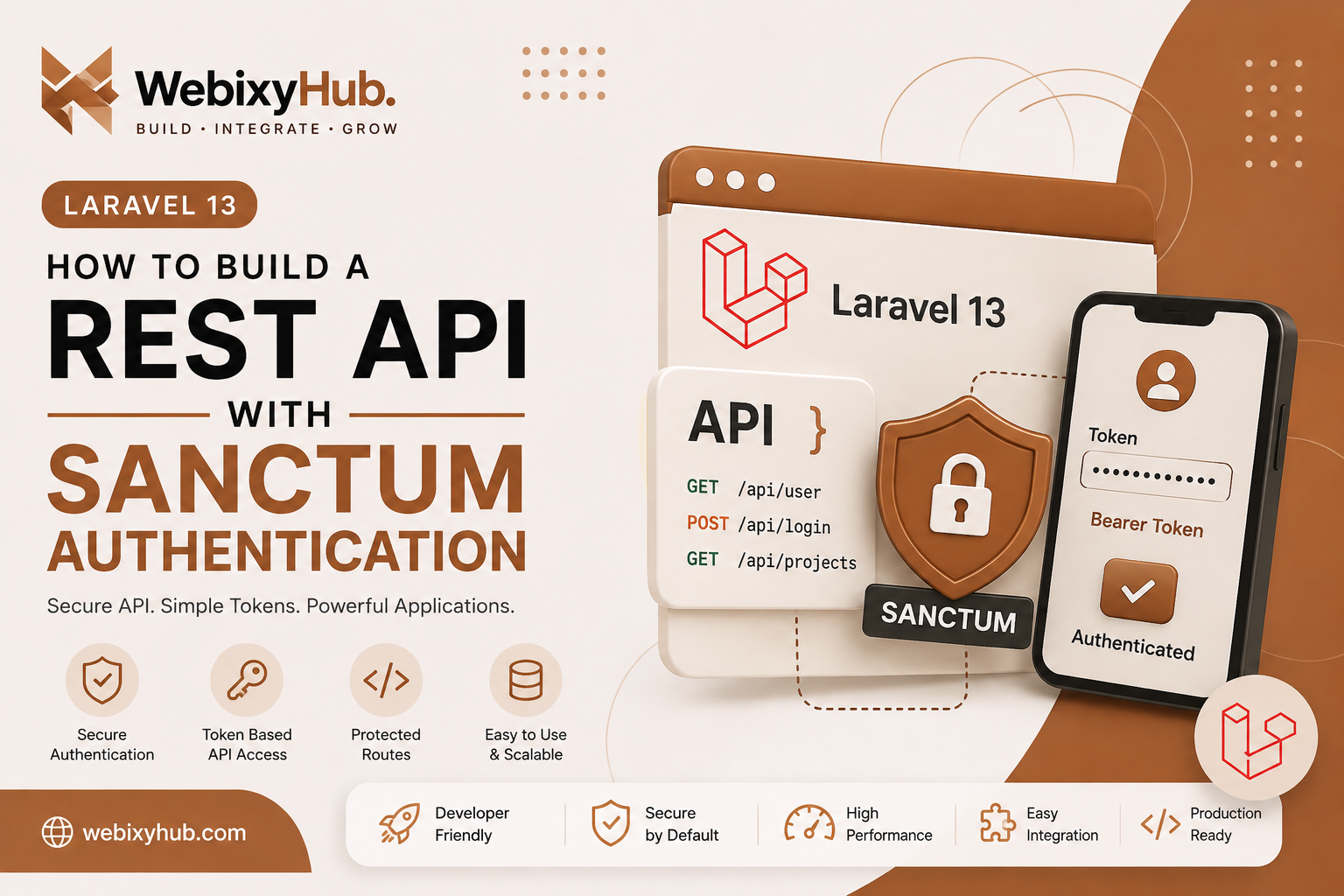
Building APIs is one of the most common requirements in modern Laravel applications. Whether you're developing a SaaS platform, mobile backend, dashboard, or third-party integration, your API needs a secure authentication system.
Laravel Sanctum provides a simple way to issue API tokens and protect endpoints without implementing a complicated OAuth system.
In this guide, we'll create a basic authenticated REST API using Laravel 13 and Sanctum.
1. Install API Support
Inside your Laravel project, run:
php artisan install:apiLaravel will configure the API-related files and install Sanctum when required.
After installation, run:
php artisan migrateThis creates the database tables required by the application.
2. Enable API Tokens on the User Model
Open:
app/Models/User.phpImport the Sanctum trait:
use Laravel\Sanctum\HasApiTokens;Then add it to the model:
class User extends Authenticatable
{
    use HasApiTokens, HasFactory, Notifiable;
}
Your users can now generate authentication tokens.
3. Create a Login Endpoint
Create a controller:
php artisan make:controller Api/AuthControllerAdd the login method:
<?phpnamespace App\Http\Controllers\Api;use App\Http\Controllers\Controller;use Illuminate\Http\Request;use Illuminate\Support\Facades\Auth;class AuthController extends Controller{ public function login(Request $request) { $credentials = $request->validate([ 'email' => ['required', 'email'], 'password' => ['required'], ]); if (! Auth::attempt($credentials)) { return response()->json([ 'message' => 'Invalid credentials', ], 401); } $user = $request->user(); $token = $user->createToken('api-token')->plainTextToken; return response()->json([ 'token' => $token, 'token_type' => 'Bearer', ]); }}4. Add the API Route
Open:
routes/api.phpAdd:
use App\Http\Controllers\Api\AuthController;
use Illuminate\Http\Request;
use Illuminate\Support\Facades\Route;

Route::post('/login', [AuthController::class, 'login']);

Route::middleware('auth:sanctum')->get('/user', function (Request $request) {
    return $request->user();
});
The /login endpoint is public, while /user requires authentication.
5. Send the Bearer Token
After successful login, the API returns a token.
Send that token with protected requests:
Authorization: Bearer YOUR_API_TOKEN
Accept: application/json
For example:
GET /api/userWithout a valid token, Laravel should reject the request.
Common Laravel Sanctum Errors
1. 401 Unauthorized
Example:
{ "message": "Unauthenticated."}Usually the Bearer token is missing, invalid, or expired/deleted.
Make sure the request contains:
Authorization: Bearer YOUR_API_TOKEN2. createToken() Method Not Found
If you get an error similar to:
Call to undefined method User::createToken()check that HasApiTokens is imported and used inside User.php.
3. API Routes Not Working
If /api/login returns a route error, check your registered routes:
php artisan route:listAlso clear Laravel's caches:
php artisan optimize:clear4. 422 Validation Error
Laravel may return 422 Unprocessable Content when required data is missing or invalid.
Send valid JSON such as:
{ "email": "user@example.com", "password": "password"}and include:
Content-Type: application/json
Accept: application/json
Security Tips
Never expose API tokens in frontend source code or commit secrets to GitHub. Always use HTTPS in production, validate incoming data, protect sensitive routes with auth:sanctum, and revoke tokens when they are no longer needed.
Conclusion
Laravel Sanctum makes token-based API authentication straightforward. With a login endpoint, Bearer tokens, and auth:sanctum middleware, you can quickly create a secure foundation for Laravel APIs used by mobile apps, SaaS platforms, and external integrations.